
CREATIVITY DELIVERED EVERY MONTH!
SUBSCRIPTIONS GIVE THE BEST VALUE ON ALL NEW BOXES, FREE UK SHIPPING & COMPLETE CONTROL! Choose a NEW BOX, PAUSE OR SWAP ANYTIME.
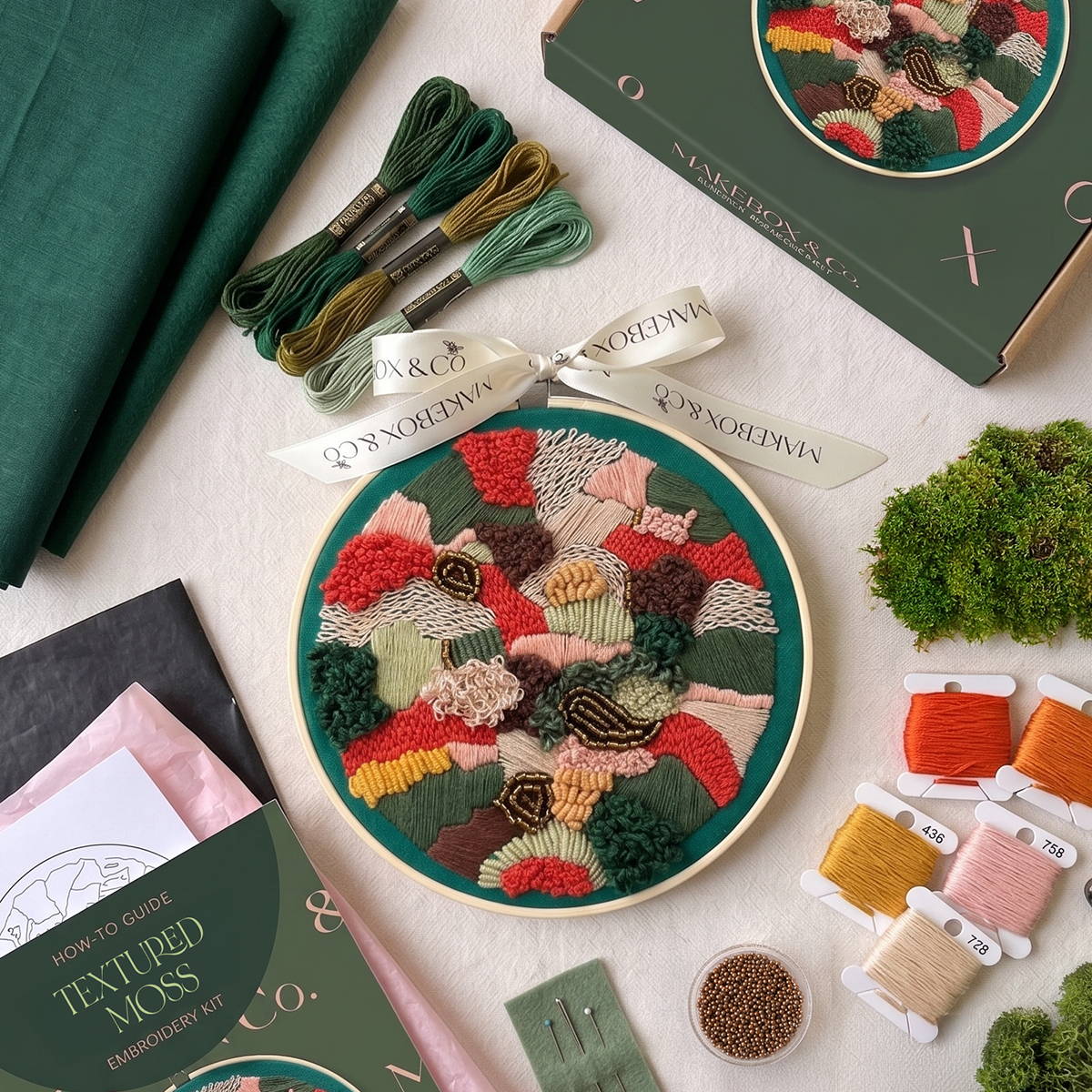
THE Textured Moss 7" EMBROIDERY
Bring the beauty and tranquillity of the forest floor into your home with our stunning Textured Moss Embroidery kit. This project is a tactile dream, blending an array of stunning stitches to create a rich, abstract tapestry inspired by the natural world.
Dive into a tactile embroidery experience as you build incredible depth and dimension on a lush bottle green cotton canvas. This design utilises a vibrant, earthy palette—ranging from deep greens and rich browns to striking pops of bright orange, soft pink, and warm mustard. You will combine intricate thread work, such as dense, fluffy French & Bullion knots and sweeping satin stitches, with beautiful bronze glass beads to create a uniquely textured masterpiece.
Finished with our signature MakeBox ribbon, this kit includes everything you need to create your very own modern, organic hoop art.
Already a subscriber? Click the button below to manage your account. If you'd like to join, click below to explore our monthly and bi-monthly subscription options.
...OR SWAP TO A BOX OF YOUR CHOICE*
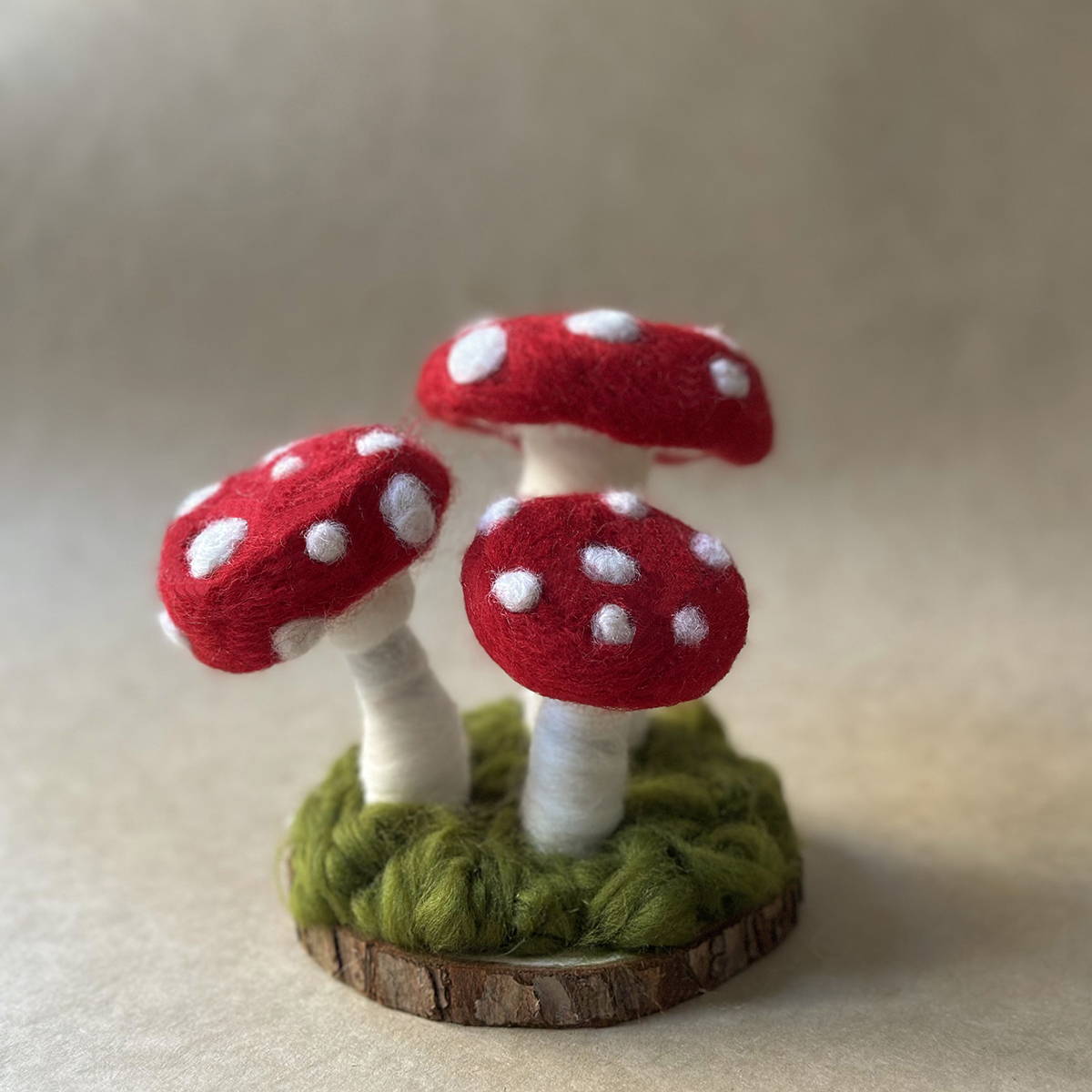
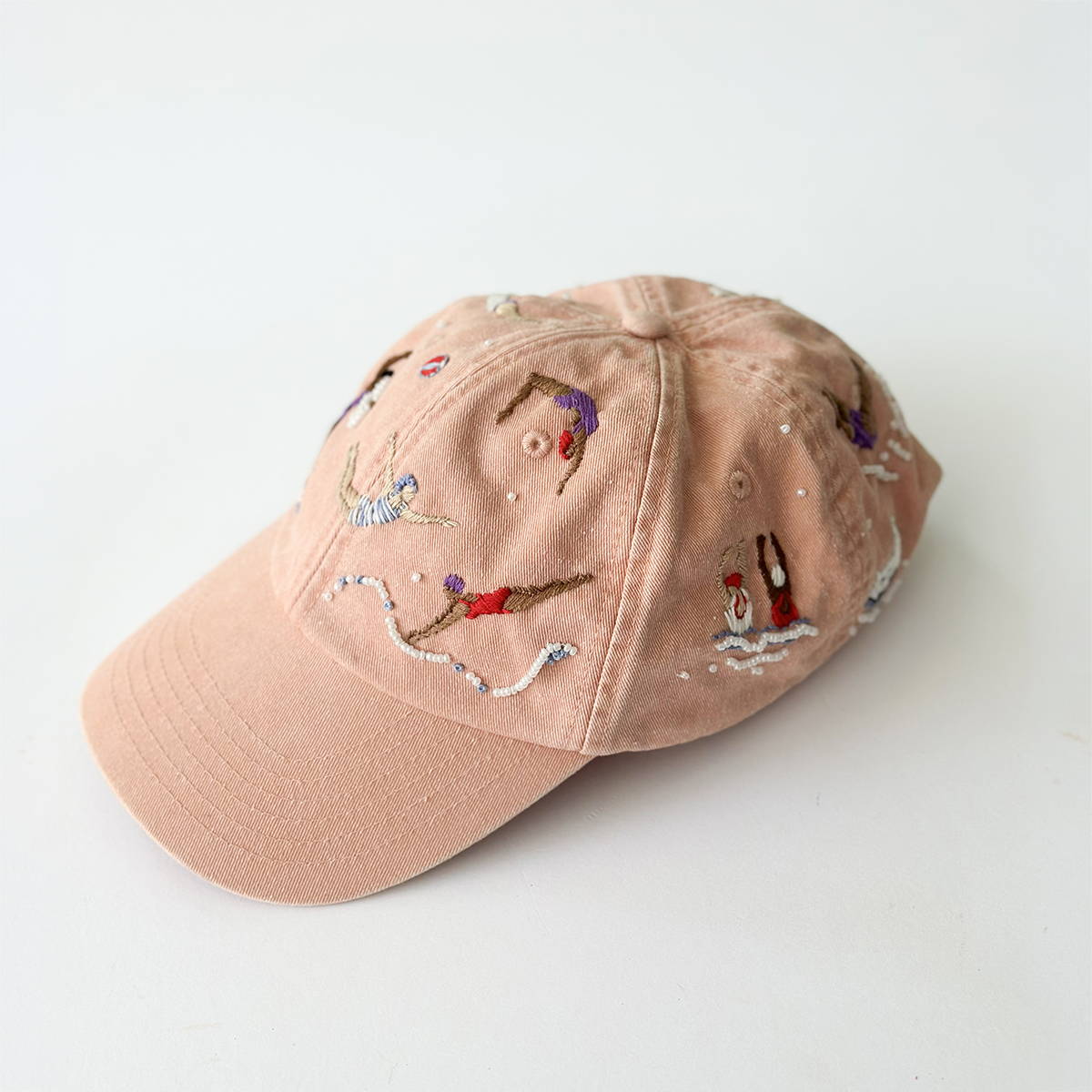
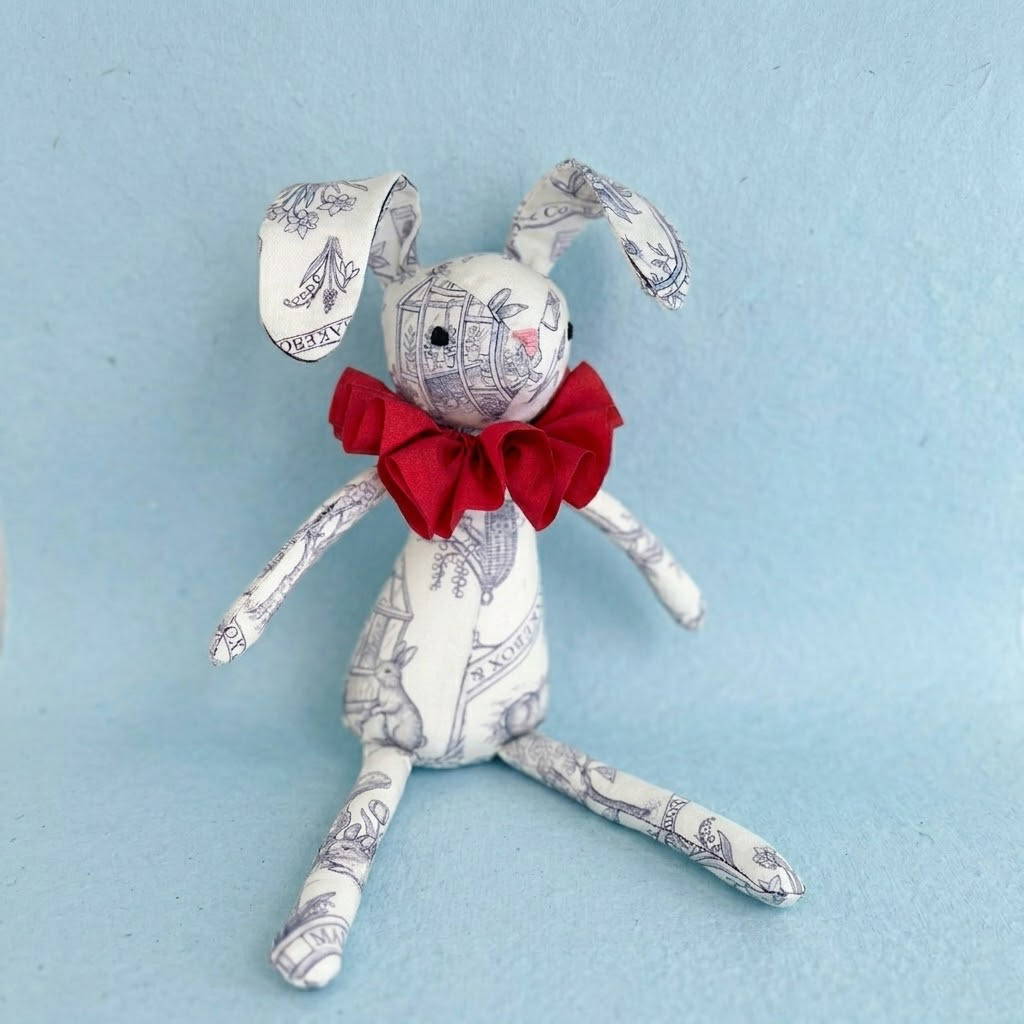
*Take a look at some of our past boxes. There really is something for everyone with a MakeBox subscription! Each month, a new box is released AND you have the choice to swap to a number of other projects if needed. Excludes special editions.
How to edit your subscription
Choose your project
Swap boxes easily
If you are not keen on the default box in any month, here's how you make a change.
*All changes need to be in place before the 11th of each month.
1. Login to your account.
2. Click 'Manage subscription'
3. Scroll down and click 'Swap this for a differnet product'
4. Choose the box you would like, click 'Swap' and save your changes.
5. Your new choice will show for the upcoming renewal.
Save even more
Add a discount
Join our loyalty programme, collect your exclusove subscriber tier points and use them to discount an upcoming subscription renewal!
1. Click 'Rewards' to visit your loyalty account.
2. Scroll down to rewards and choose how much you would like to claim.
3. Copy the discount code. Click the link to visit your subsciption account.
4. Click 'Add discount' and paste the code.
5. Your discount will be applied to the upcoming renewal.
Short on time?
Gift a Box
We know it's hard sometimes to get the time to be as creative as we would like. Why not use an upcoming renewal to gift a box to a friend or loved one and maintain your subscriber exclusive price, earn loyalty points and keep free delivery!
1. Login to your account.
2. Click Manage Subscription
3. Click Skip then choose 'Gift this order'
4. Enter the receipents address details, click 'Send Gift'
5. This box will now be sent to your nominated person. Next month will be back to normal.
Control deliveries
Skip a Box Easily
You are in complete control of all your renewals and deliveries. All changes need to happen before the 11th of each month. Take a look at how easy it is to skip box.
1. Login to your account.
2. Click Manage Subscription
3. Click Skip
4. Click unskip if needed.